Photo search quote
Have a product photo? Send it for a supplier quote.
Seen a product you like but do not know where to buy it? Upload the clearest image first, or send the brand reference, model name, SKU, Yupoo link, or social screenshot. We compare exact and close China supplier options, then continue price, quantity, shipping, and after-sales details on WhatsApp.
Any brand or model name identifies the buyer reference only. ReplicaChina does not claim brand affiliation, provenance, permanent inventory, or fixed pricing.
- Image first
- No product name required.
- Supplier check
- Exact match first, close alternatives second.
- Fast quote
- Continue with price and shipping on WhatsApp.
Last updated: 2026-09-02 · Reviewed by the ReplicaChina sourcing team
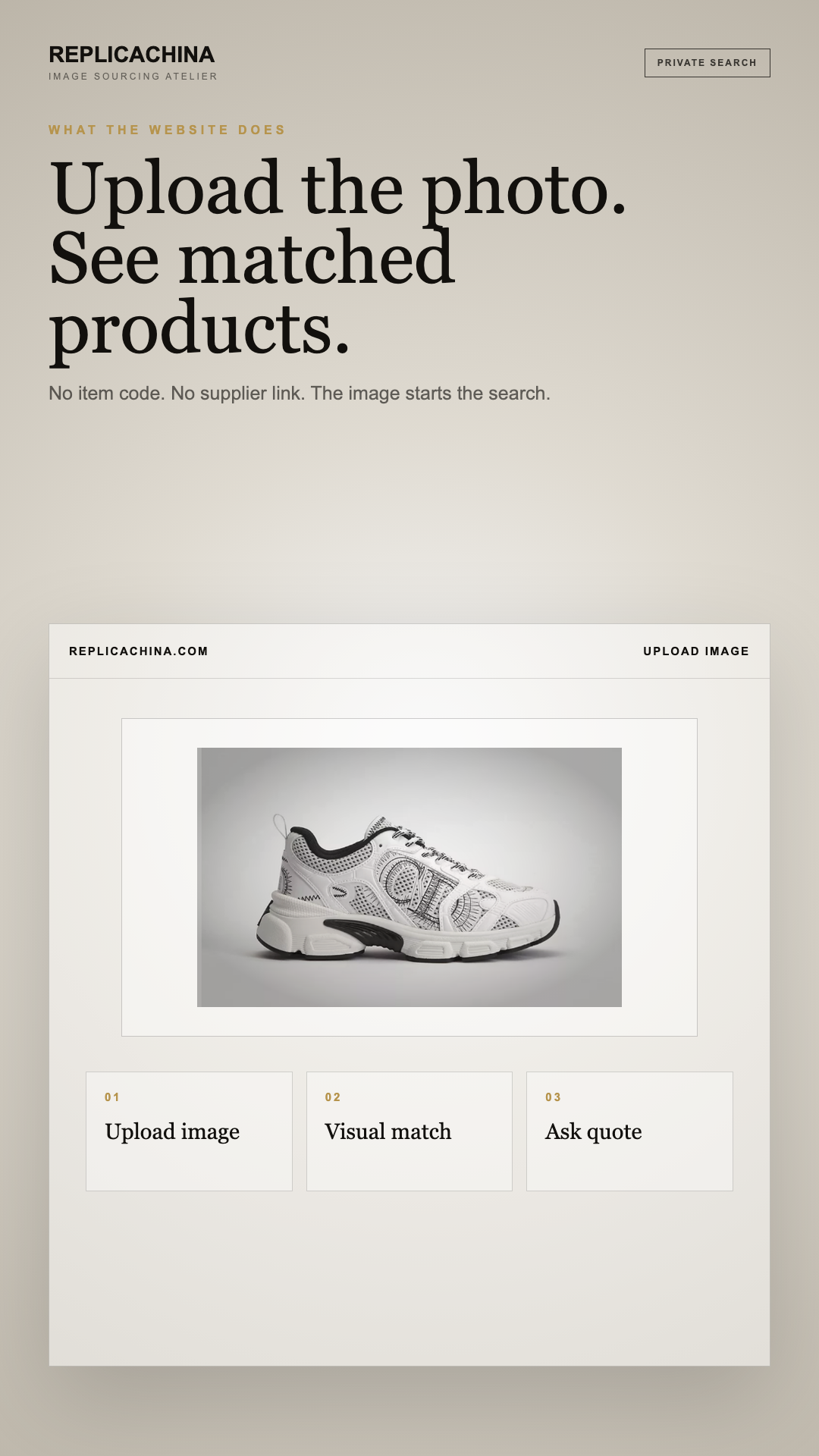
Direct answer: Yupoo's owner-enabled album search and Google Lens's open-web visual search cover different scopes, so every candidate needs preserved provenance. The evidence trail starts with one concrete action: Save the uncropped image, original URL, caption, handle, and capture date. A visual result can identify a possible source page, but it cannot establish seller control, product origin, or a current offer.
Independent-use notice: ReplicaChina is independent and is not affiliated with, endorsed by, or operated by Yupoo or any other platform named here. Names and trademarks belong to their respective owners. Album references identify a buyer request only; confirm product legality, rights, seller identity, and transaction terms for the destination.
A Yupoo album can preserve search inside enabled album collections. Google Lens contributes open-web visual discovery across similar images, pages, and products. Keep the original social or search context, the later album page, and any seller response as separate records until their relationship is demonstrated. Yupoo does not provide checkout, accept payment, protect the transaction, fulfill the order, or supply a remedy.
Choose native scope or open-web scope
Yupoo's image-search feature is useful when the buyer already knows the relevant album and its owner has enabled and synchronized the feature. Its result scope is that album environment, not every public Yupoo collection. Google Lens processes an uploaded image or selected region and can return similar images, objects, and pages across the open web. Use the tools for their actual scope: native search to navigate a known album, and Lens to discover possible sources when the album is unknown or incomplete.
Control the crop without losing context
Start by saving the uncropped original, source page, visible caption, handle, and capture date. Create separate crops for distinctive shape, construction, pattern, hardware, or printed code, and log which crop produced each result. Google advises that selecting a smaller area can make results more specific, but a crop can also remove seller or publication context. Reattach every candidate to the original evidence packet so a visually strong result is not mistaken for provenance or current availability.
Treat results as hypotheses to verify
Both native album results and open-web visual results can include reused photography, older pages, lookalikes, or unrelated sellers. Open the deepest result page and compare identifiers, dimensions, variant, album ownership, and update evidence. Google Lens can reveal similar images and pages, while Yupoo can reveal a likely location inside an enabled album; neither proves seller identity, authenticity, factory ownership, stock, price, or delivery. Close the task with a verified candidate, labeled alternative, or documented no-result rather than a confidence-free image match.
Trace Google Lens evidence into a stable source record
- Uploaded Crop: retain the original file or frame context, the search copy, result URL, and visible differences from the current quoted item.
- Visual-Match Region: capture the exact visual-match region, source URL, date, selected option, and what the Google Lens record proves or leaves unknown.
- Source-Page URL: capture the exact source-page URL, source URL, date, selected option, and what the Google Lens record proves or leaves unknown.
- Similar-Image Result: retain the original file or frame context, the search copy, result URL, and visible differences from the current quoted item.
- Page Publication Context: capture the exact page publication context, source URL, date, selected option, and what the Google Lens record proves or leaves unknown.
- Result Language: capture the exact result language, source URL, date, selected option, and what the Google Lens record proves or leaves unknown.
- Image Reuse Trail: retain the original file or frame context, the search copy, result URL, and visible differences from the current quoted item.
- Candidate Album Provenance: capture the exact candidate album provenance, source URL, date, selected option, and what the Google Lens record proves or leaves unknown.
Keep discovery and purchase records on separate timelines
- Preserve the original Google Lens URL, account or result context, and capture date.
- Open and save the deepest candidate source instead of relying on a result thumbnail or cropped repost.
- Compare the image, code, caption, dimensions, and visible differences before calling anything a candidate.
- Identify the album operator, external contact, payment recipient, and shipping party independently.
- Use Lens to discover possible sources and Yupoo's native feature to search a known enabled album.
Checklist
- Save the uncropped image, original URL, caption, handle, and capture date.
- Use Yupoo native search only within the known enabled album scope.
- Create labeled crops and log which crop produced every Lens result.
- Open the deepest candidate page and inspect identifiers and context.
- Separate visual similarity from seller identity, stock, and transaction terms.
- Close with a reproducible candidate, alternative, or no-result record.
Sources
- Yupoo Help — Image Search FAQ: Owner-enabled Yupoo image-search setup and synchronization limits.
- Google Search Help — Search with an image: Google Lens image inputs, selectable regions, and result types.
- Google Search Help — Learn more about an image: Image provenance context and evaluating important claims.
Read the current source text before relying on a feature, deadline, remedy, or destination requirement.
Frequently asked questions
Does Yupoo image search cover every Yupoo album?
No. Yupoo's own published guidance describes owner-enabled image search and synchronization within an album. Record which album was searched and when. A no-result there does not establish that the image is absent from other independently managed albums or the wider web.
What can Google Lens return that a known-album Yupoo search cannot?
Google Lens can surface similar images, objects, and web pages beyond the known album, making it useful for source discovery. That broader scope also increases ambiguity. Each result still needs a source-page review and must not be treated as proof of seller identity.
Should I crop a social screenshot before using Google Lens?
Preserve the full screenshot first, including handle, caption, date clues, and surrounding context. Then make labeled crops of distinctive regions. Save which crop produced each candidate so the search remains reproducible and the cropped image can be reconnected to its original source.
Can a high visual similarity score verify the seller behind a candidate album?
No. Visual similarity concerns image content, not account control, inventory, rights to offer the item, payment recipient, or delivery performance. Verify the album-to-contact connection and current item separately. Reused or copied photography can produce a compelling match without a trustworthy commercial relationship.
What is the correct no-result record for Yupoo and Lens searches?
Record the original image, each crop, search surface, album scope when applicable, query date, filters, and outcome. State that no usable candidate was found within those searched surfaces at that time. Do not convert a no-result into a claim that the item does not exist.
Next step
Upload your product photo or item link. Separate the source reference from the later seller response, price, recipient, and shipping commitment.
Related guidance
- Find a supplier from a Yupoo photo reference
- Yupoo vs Alibaba.com
- Yupoo vs Instagram: Preserve Product Evidence after Social Discovery
- Payment for an order based on a Yupoo reference
- How To Order By Photo
- Shipping, payment, and WhatsApp
Photo search quote
Have a product photo? Send it for a supplier quote.
Seen a product you like but do not know where to buy it? Upload the clearest image first, or send the brand reference, model name, SKU, Yupoo link, or social screenshot. We compare exact and close China supplier options, then continue price, quantity, shipping, and after-sales details on WhatsApp.
Any brand or model name identifies the buyer reference only. ReplicaChina does not claim brand affiliation, provenance, permanent inventory, or fixed pricing.
- Image first
- No product name required.
- Supplier check
- Exact match first, close alternatives second.
- Fast quote
- Continue with price and shipping on WhatsApp.