Photo search quote
Have a product photo? Send it for a supplier quote.
Seen a product you like but do not know where to buy it? Upload the clearest image first, or send the brand reference, model name, SKU, Yupoo link, or social screenshot. We compare exact and close China supplier options, then continue price, quantity, shipping, and after-sales details on WhatsApp.
Any brand or model name identifies the buyer reference only. ReplicaChina does not claim brand affiliation, provenance, permanent inventory, or fixed pricing.
- Image first
- No product name required.
- Supplier check
- Exact match first, close alternatives second.
- Fast quote
- Continue with price and shipping on WhatsApp.
Last updated: 2026-09-02 · Reviewed by the ReplicaChina sourcing team
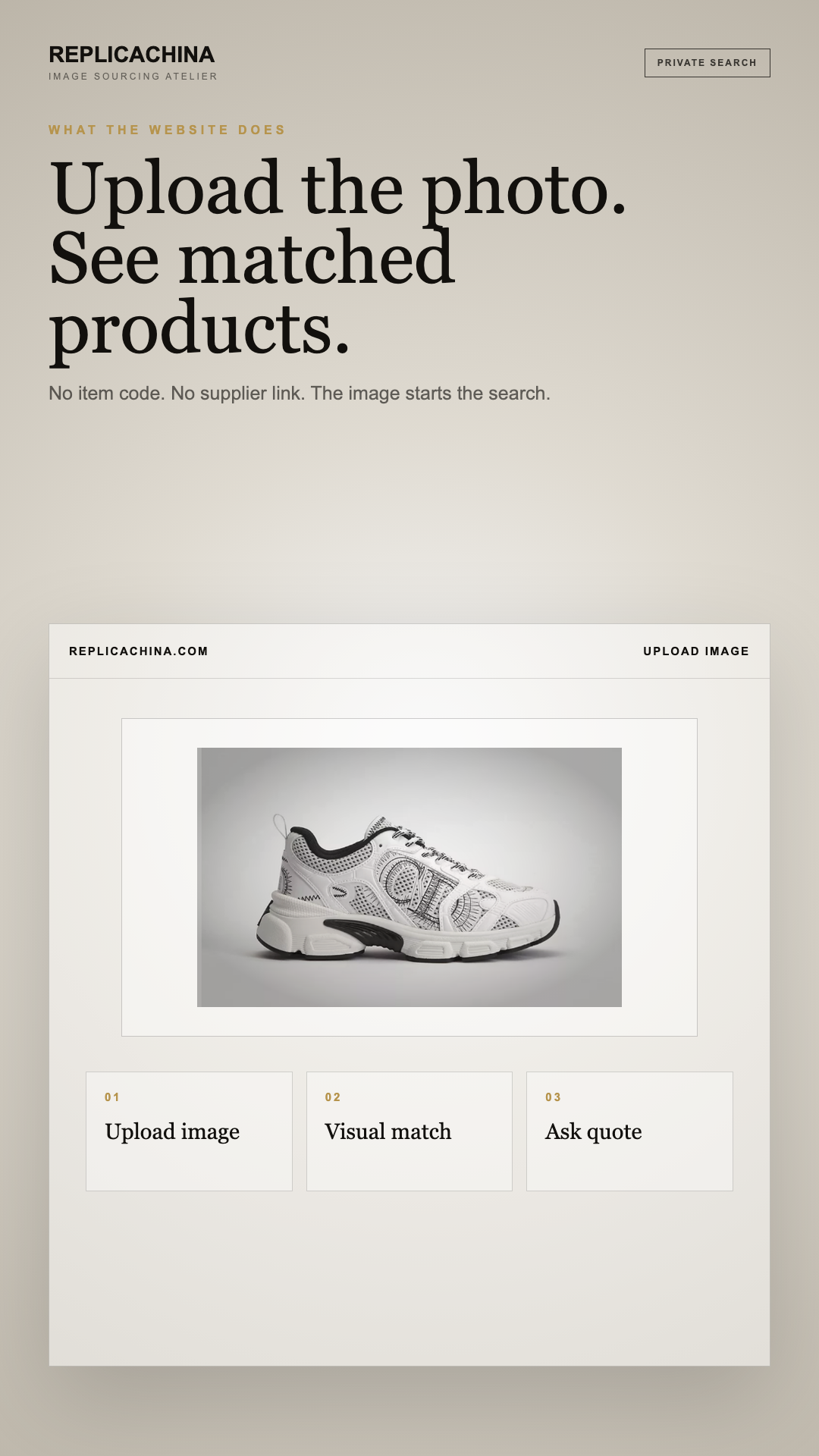
Direct answer: Route a keyword, album URL, image, code, or social screenshot to the correct search method and produce a documented result or no-result record. The first control is: Classify the input as keyword, image, code, item URL, album URL, or social post. Avoid assuming one search box covers every independent album; close the record as unresolved when the necessary evidence is unavailable.
Independent-use notice: ReplicaChina is independent and is not affiliated with, endorsed by, or operated by Yupoo or any other platform named here. Names and trademarks belong to their respective owners. Album references identify a buyer request only; confirm product legality, rights, seller identity, and transaction terms for the destination.
The practical task is to search a known or unknown Yupoo item. Work from a keyword, seller album URL, product photo, model note, or social screenshot and keep the main failure visible: assuming one search box covers every independent album. The finished record should make album scope, image-search availability, source link, current option, and contact route reviewable without borrowing facts from an unrelated image, seller, or route.
Choose a route from the evidence
A Yupoo search should begin by classifying the evidence, not by typing the same phrase into several tools. A full album URL belongs in known-album navigation. A clean product image can enter native album search or an open-web visual tool. A caption or code belongs in text search. A social screenshot should first be saved with its post context. Choosing the route deliberately prevents an unrelated visual result from being treated as confirmation merely because it looks similar.
Define the searched scope
Search scope matters because Yupoo albums are managed independently. Owners may organize products by categories, dates, captions, or internal codes, and native image search works only where the owner enables and synchronizes it. A result from one album says nothing conclusive about another album. Record the searched surface, query, date, and outcome without presenting it as platform-wide inventory. Missing information should remain unknown instead of being filled with assumptions about products, sellers, or availability.
Close with recoverable evidence
Finish each search with an evidence packet, not a purchase recommendation. Save the deepest accessible URL, uncropped screenshot, visible identifiers, source title, and capture date. Record which connections are established: image to source, source to album, album to contact, and contact to a proposed transaction. Those connections can fail separately. A candidate becomes quote-ready only after the current option and written commercial basis are confirmed; visual discovery cannot prove seller identity, composition, origin, stock, or delivery performance.
Match each input to the right search surface
Preserve a keyword, seller album URL, product photo, model note, or social screenshot in their original form, then add the capture date, requested variant, quantity, destination, and acceptable differences. Save the deepest accessible source rather than a thumbnail, mirror, or homepage, and mark any missing part of album scope, image-search availability, source link, current option, and contact route as unknown.
Record a result another reviewer can reproduce
| Record | What belongs in it | Stop condition |
|---|---|---|
| Starting evidence | a keyword, seller album URL, product photo, model note, or social screenshot | Stop when a keyword, seller album URL, product photo, model note, or social screenshot are missing or no longer traceable to their capture date. |
| Decision evidence | album scope, image-search availability, source link, current option, and contact route | Pause when album scope, image-search availability, source link, current option, and contact route cannot be tied to one current option and counterparty. |
| Illustrative outcome | a buyer has only a cropped social screenshot and needs to discover a usable album or supplier route. | Assuming one search box covers every independent album. |
Checklist
- Classify the input as keyword, image, code, item URL, album URL, or social post.
- Preserve the original input before cropping, translating, or deriving variants.
- Select one search surface and record its scope and limits.
- Open and save the deepest source page instead of a result snippet.
- Close with a verified candidate, labeled alternative, or documented no-result.
Sources
- Yupoo Help — Quick Search: Native album, picture, and category search scope.
- Google Search Help — Search with an image: Open-web visual search inputs and result types.
- Google Search Help — Refine web searches: Exact phrases, site filters, and text-query refinement.
Each source answers only the question described beside it; none validates a seller or product.
Frequently asked questions
Where should I start when I do not know the seller?
Start with evidence another reviewer can reproduce rather than guessing a seller name. Preserve the uncropped image, visible text, product code, original post URL, and capture date. Use open-web image search for discovery, then verify any resulting album at its deepest available page.
Can one Yupoo search cover every public album?
No universal search should be assumed to cover every independently managed album. Native image search depends on the owner enabling the feature and synchronizing content. Treat a no-result as a limit of the searched scope, not proof that another album lacks the item.
What should a useful search result contain?
A useful result contains a recoverable source URL, dated screenshot, matching caption or code, album context, and a statement of what remains unverified. It should distinguish discovery from seller identity, current availability, transaction terms, and claims requiring documentary evidence.
What does a no-result outcome mean?
It means only that the recorded query produced no usable candidate within that search surface at that time. Save the query and scope, then try a justified fallback such as another evidence type, category path, or open-web search.
When is a candidate ready for a quote?
A candidate is quote-ready when the source, requested variant, measurements or size, quantity, destination, and acceptable differences are recorded. The responding seller or agent must still provide current-option evidence and a written price basis tied to that same request.
Next step
Submit the saved screenshot or source URL. Attach the source and identify the current option before asking for commercial terms.
Related guidance
- Find a supplier from a Yupoo photo reference
- Reseller sourcing from Yupoo album references
- Build a seller shortlist from Yupoo album leads
- Yupoo Link Not Working
- How To Order By Photo
- Shipping, payment, and WhatsApp
Photo search quote
Have a product photo? Send it for a supplier quote.
Seen a product you like but do not know where to buy it? Upload the clearest image first, or send the brand reference, model name, SKU, Yupoo link, or social screenshot. We compare exact and close China supplier options, then continue price, quantity, shipping, and after-sales details on WhatsApp.
Any brand or model name identifies the buyer reference only. ReplicaChina does not claim brand affiliation, provenance, permanent inventory, or fixed pricing.
- Image first
- No product name required.
- Supplier check
- Exact match first, close alternatives second.
- Fast quote
- Continue with price and shipping on WhatsApp.